
For growing ecommerce retailers
Shipping Tracking Software for Ecommerce Retailers
WISMOlabs is shipping tracking software for ecommerce retailers. It connects carrier updates with order and customer information to power branded tracking, delivery notifications, and configurable support and marketing actions.
Give shoppers useful delivery answers. Choose when to communicate, what action to take, and how the response should change for the situation.
- Bring your carrier mix and one delivery scenario.
Your rules. Intelligent execution.
Decide what happens next.Choose whether to act. Then adapt the response.
- Keep shoppers informed
- Control actions across connected systems
- Reduce avoidable WISMO inquiries
daily “Where is my order?” calls
Capezio reported this reduction after implementing WISMOlabs.
Results vary with shipment profile, the existing customer experience and implementation.
A clearer experience after checkout
Useful delivery answers, in your brand’s experience
Your customer needs to know what is happening with their order and what to do next.
Turn carrier updates into useful answers and coordinated actions across your tracking experience, customer messages and connected systems.
WISMOlabs combines shipment tracking software, branded tracking, adaptive messaging and connected workflows in one post-purchase experience platform. As events occur, your business rules determine whether to act, while message content, timing and connected actions adapt to the available customer, order and shipment context.
Carrier coverage & order visibility
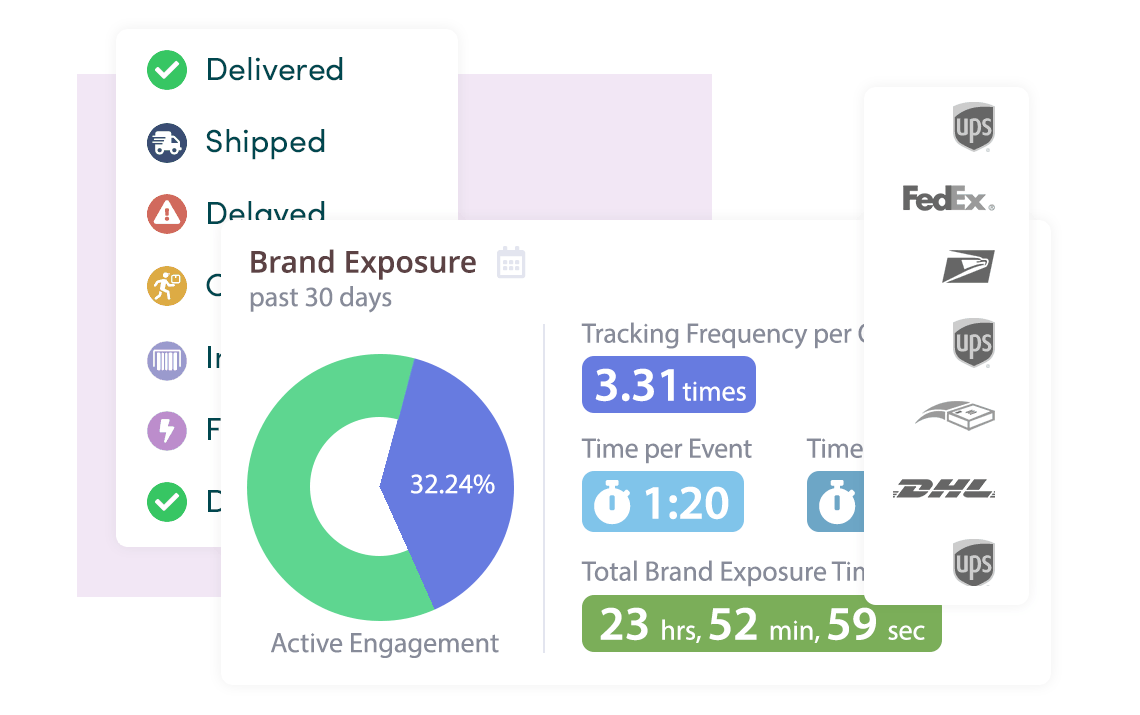
Track deliveries across carriers with order context
Bring carrier updates together with order information to understand shipment progress, carrier handoffs and delivery exceptions. An order can contain multiple shipments; connecting those records helps explain the delivery in the context of what the customer bought.
1,600+ global and regional carriers
Review your carrier mix and the information available through each connection. Tracking freshness and update frequency vary by carrier connection.




From information to a useful response
How shipping tracking software works with WISMOlabs
Connect the delivery event to the customer’s situation. Use your business rules to decide what happens next.
01
Connect the context
Evaluate the event alongside available customer, order, shipment, carrier, timing and delivery-history information.
02
Decide whether to act
Choose whether to communicate, wait, show guidance, update the tracking experience or trigger a connected action.
03
Adapt the response
Change the content, instructions, links, timing or information passed to another system using the same context and configured rules.
Example · How it works in practice
One event. Two different customer needs.
Both orders are marked “delivered.” As each event arrives, WISMOlabs uses the available customer, order and delivery context to adapt the confirmation according to your business rules. Compare the two situations to see what each customer receives and why it helps.
After a late delivery
After an on-time first order
Illustrative configurations. The same decision and adaptation process applies to all events handled by WISMOlabs. Context and connected actions depend on the information, integrations and rules configured for your store. The more data you make available to WISMOlabs the more complex deterministic decision making processes can be executed.
One connected post-purchase experience
Give shoppers useful answers and control what happens next
Use order, customer and shipment information to decide when to communicate, what action to trigger and how the response should change across connected systems.
01 / Experience
Keep tracking connected to your brand
Present delivery information, guidance and next steps in a branded experience. Adapt the content to the event and the customer’s situation.
02 / Self-service
Help shoppers find their own answers
Let customers retrieve order and shipment information without signing into their store account. Lookup can use an order number with an email address, phone number or postal code, depending on your implementation.
03 / Communication
Make each delivery update useful
Configure when to send email and SMS updates. Control whether a message is needed and adapt the information it contains.
04 / Connected action
Send the next action to the right system
Use webhooks and configured integrations to trigger support, marketing or operational actions and pass along relevant information.
05 / Insight
Understand delivery and engagement
Review carrier and delivery performance alongside customer engagement. Use your own support and sales measurements to evaluate business results.
Built around your ecommerce operation
Connect the tools your store already uses
Connect your store’s order information with shipment updates and the customer experience. Pass the information needed for configured marketing, support and operational actions.
Integration scope is not identical across every connection. During the demo, review the information, triggers and actions available to your store.
Ecommerce platforms
- BigCommerce
- Shopify
- Magento
- WooCommerce
- Salesforce Commerce Cloud
Communication & connected workflows
- Klaviyo
- Gorgias
- AI agents
- API & webhooks
Review your connections during the demo to confirm the information and actions available to your store.
Evaluate the fit
Assess the value for your store
- Are shoppers getting useful delivery information?
- Does support repeatedly explain the same statuses?
- Can you change the next message or action when the customer’s situation calls for it?
Build the business case around your current experience, the improvements you need and the work involved in connecting your systems.
Pricing & getting started
GrowthFrom $250 / month
All product features included
All packages include all product features. Package pricing differs by shipment volume.
Assisted launch
Start with a demo to review your carrier mix, integrations and communication goals. Agree the configuration and launch requirements together.
Refine after launch
Growth includes one month of incremental post-launch improvements. Pro includes three months. These service periods do not change access to product features.
FAQ: Your Tracking Questions, Answered
How fresh is the tracking information?
Tracking freshness depends on the carrier connection and the information available to your implementation. Updates range from real-time updates to intelligent polling with checks as often as every 20 minutes.
How are carrier handoffs and delivery exceptions handled?
WISMOlabs standardizes events from different carriers and combines them with order information and available customer context. This helps explain shipment progress as a package moves between carriers and identify delivery exceptions that may need attention.
Your business rules determine whether action is needed, who should be notified and what guidance they receive. WISMOlabs then adapts the response to the situation—whether that means sending a shipment notification with actionable instructions, alerting support or waiting for more information. Clear next steps and fewer unnecessary alerts can reduce customer uncertainty and avoidable WISMO inquiries.
During the demo, review how this would work with your carrier mix and support workflows.
Can tracking information trigger actions in our other tools?
Yes. WISMOlabs supports webhooks and configured connections with tools such as Klaviyo and Gorgias. These can pass relevant information and trigger support, marketing or operational actions. Confirm the required data, triggers and actions for your particular connections during implementation planning.
What does implementation involve?
Customers begin with a demo and assisted launch. Bring your carrier mix, ecommerce platform, current tracking process and communication goals to identify the connections and rules needed for your store. Launch timing depends on the connections and configuration agreed for your store.
How can clearer tracking reduce support inquiries?
WISMOlabs reduces support inquiries and customer uncertainty by turning carrier updates, order information and customer context into clear answers. Branded tracking and adaptive messages explain what is happening and what to do next. Your business rules keep updates relevant and direct issues that need attention to support.
What affects package pricing and launch support?
Growth starts at $250 per month. All packages include all product features, with package pricing based on shipment volume. Growth includes one month of incremental post-launch improvements; Pro includes three months. Review the package and assisted-launch requirements for your store during the demo.
Start with your store’s delivery experience
See shipping tracking software for your store
Review your carrier coverage and integrations, discuss the responses you want to control, and assess whether WISMOlabs fits your store.
I'd like to explore my optionsA conversation about your process. An assisted path to launch.